Get Instant Summaries of Any Document With Our Free Word Summarizer
Stop wasting time reading long Word documents. Get the key points in seconds with our AI-powered Word summarizer tool.
Whether it's a report, essay, research paper, or meeting document, our tool extracts the most important ideas so you can understand everything faster without reading every word.
 Stop Reading. Start Understanding Faster.
Find out How the Word Summarizer Works for You
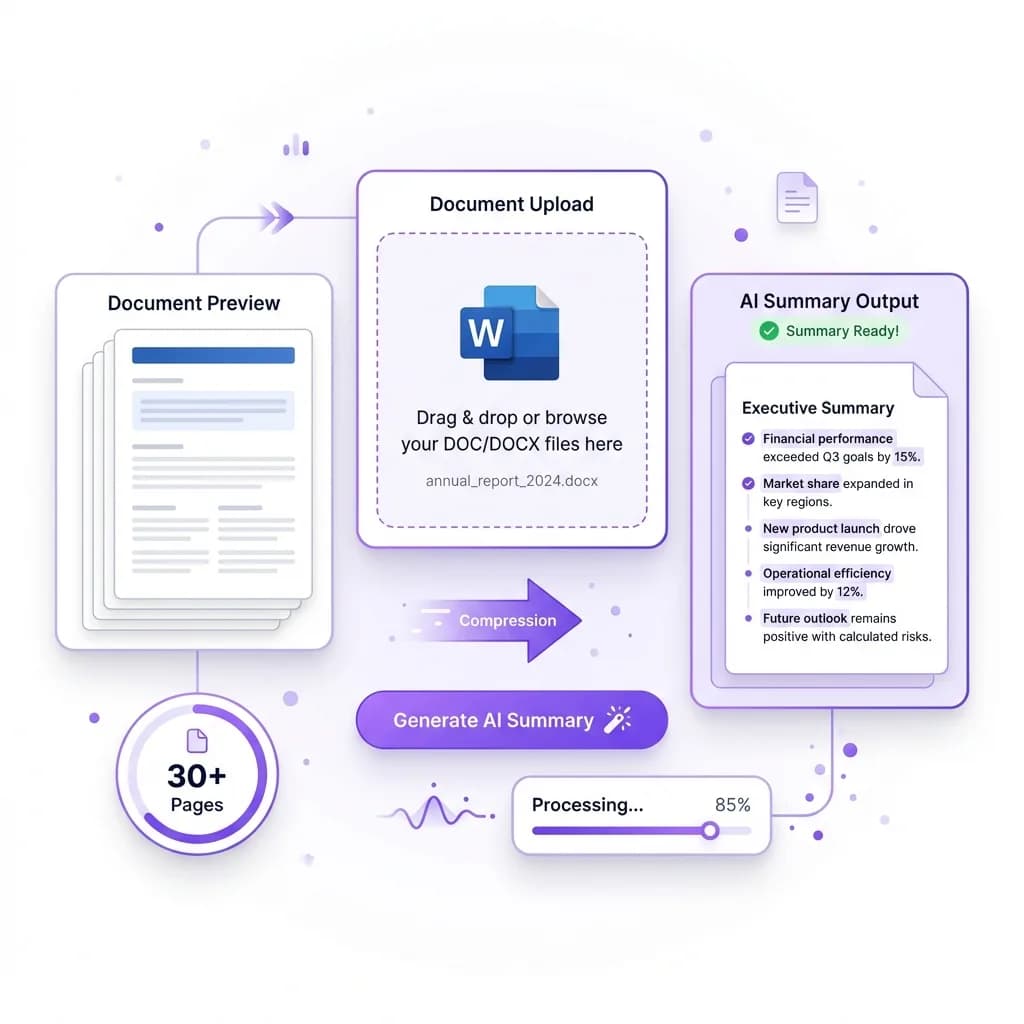
When you upload a Word document, our Word Summarizer immediately gets to work analyzing the full content from start to finish. It doesn't just skim the text or pick random sentences. The AI reads through the entire document, understands the context, and identifies the most important ideas that actually matter. This ensures the final summary reflects the true meaning of your document instead of sounding robotic or incomplete.
The tool automatically removes unnecessary filler, repeated explanations, and long-winded sections that add no real value. What you're left with is a clean, well-structured summary that highlights the key points in a clear and readable format. You don't need to worry about missing important details because the AI focuses on preserving meaning while reducing length.
Whether you're working with a short essay, a long research paper, or a detailed business report, the process stays fast and accurate. A 30-page document can be summarized in seconds, saving you valuable time and mental effort. You no longer need to scroll endlessly, reread paragraphs, or search for key information buried inside long text blocks.
This makes the Word Summarizer perfect for students reviewing study materials, professionals handling reports, and researchers processing large volumes of content. Instead of spending hours reading, you get straight to the point. The result is better focus, faster understanding, and more productive work without sacrificing accuracy or clarity.
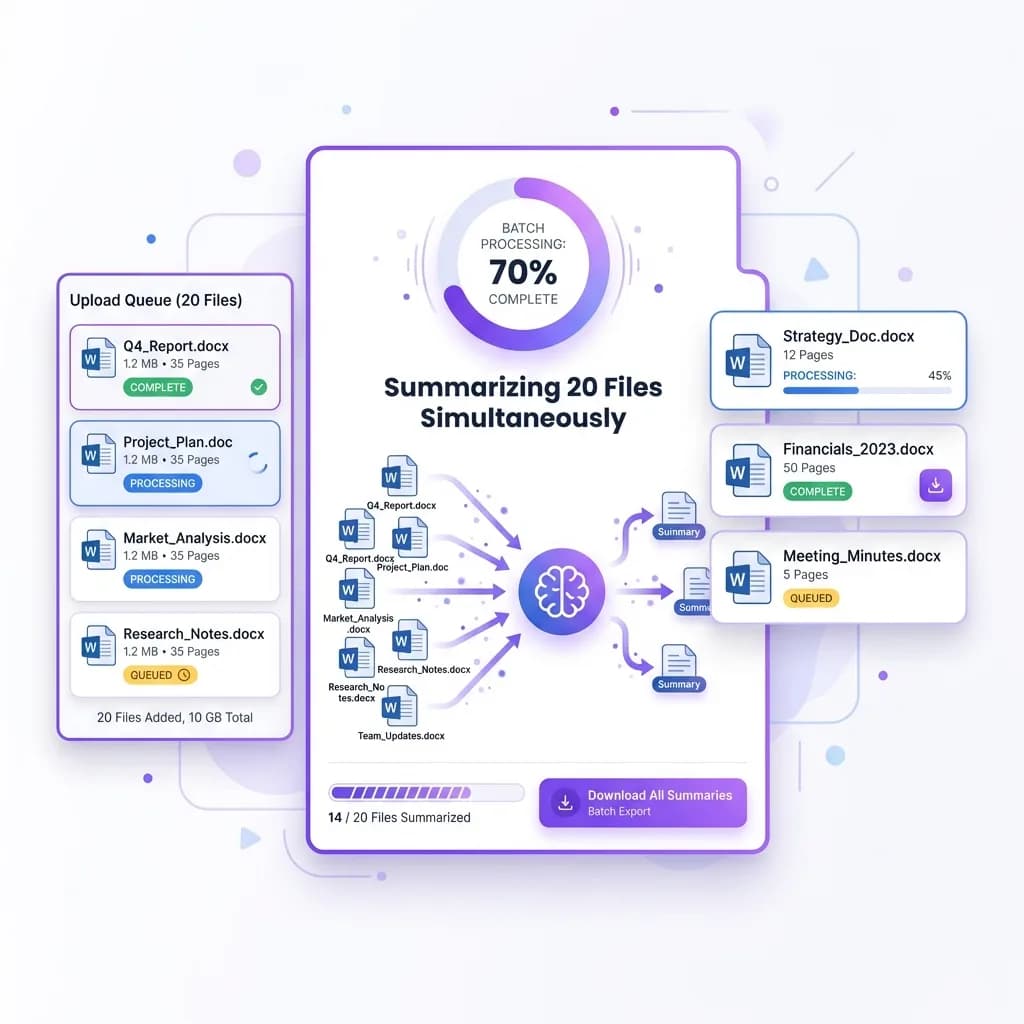
 One File per Request
Review Multiple Word Files, One at a Time
Upload one document at a time, up to 20 MB. Download its summary before choosing another file. You can run five free summaries a day.
Once uploaded, the system processes each document individually while maintaining accuracy and structure. It doesn't mix content or lose context. Every file receives its own clear and focused summary, making it easy to compare information, extract insights, or organize data without switching between documents. This is especially helpful when working on research projects, reviewing business reports, or preparing notes from multiple sources.
Whether you're a student reviewing study material, a professional analyzing reports, or a researcher processing large volumes of content, this feature helps you stay productive. You can summarize meeting notes, academic papers, or internal documents one file after another without slowing down.
The best part is that you stay in control. You review each summary, extract what you need, and move on to the next file. You focus on insights and conclusions, while the AI handles the reading, filtering, and structuring for you. It's a faster, smarter way to work through a stack of Word documents.
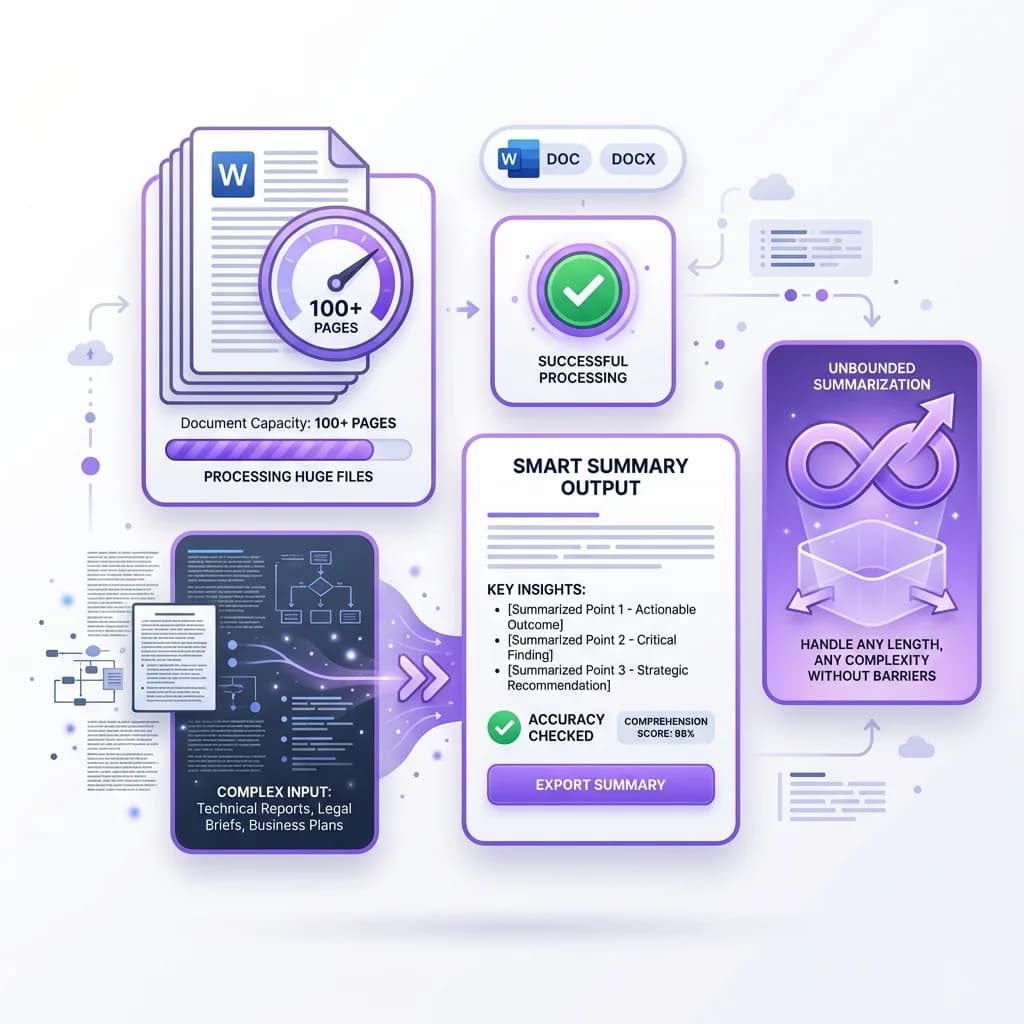
 No Barriers
Get Summaries Even From Long or Complex Documents
Most summarization tools fail the moment a document becomes too long or too technical. They either cut out important details or produce summaries that make little sense. Our Word Summarizer is built differently. It is designed to handle large files, complex sentence structures, and information-heavy content without losing meaning or accuracy.
When you upload a long Word document, the system carefully analyzes every section instead of skimming the surface. It understands how ideas connect across paragraphs and maintains context throughout the summary. This means even documents filled with technical language, data-heavy explanations, or formal writing styles are summarized correctly. You do not get broken sentences or confusing output. You get a clear, logical summary that reflects the original intent.
This makes the tool especially useful for research papers, legal documents, business reports, academic assignments, and professional documentation. Whether you are reviewing a contract, preparing notes from a research paper, or trying to understand a lengthy report, the summarizer helps you extract key insights without reading every page.
Dense paragraphs and professional terminology are no problem. The AI recognizes important concepts, filters out repetition, and presents the information in a clean, readable format. You save hours of reading while still understanding everything that matters.
If you regularly work with long documents and need quick clarity without sacrificing accuracy, this feature alone can dramatically improve your productivity. It turns overwhelming documents into easy-to-digest summaries that help you move forward faster and with confidence.
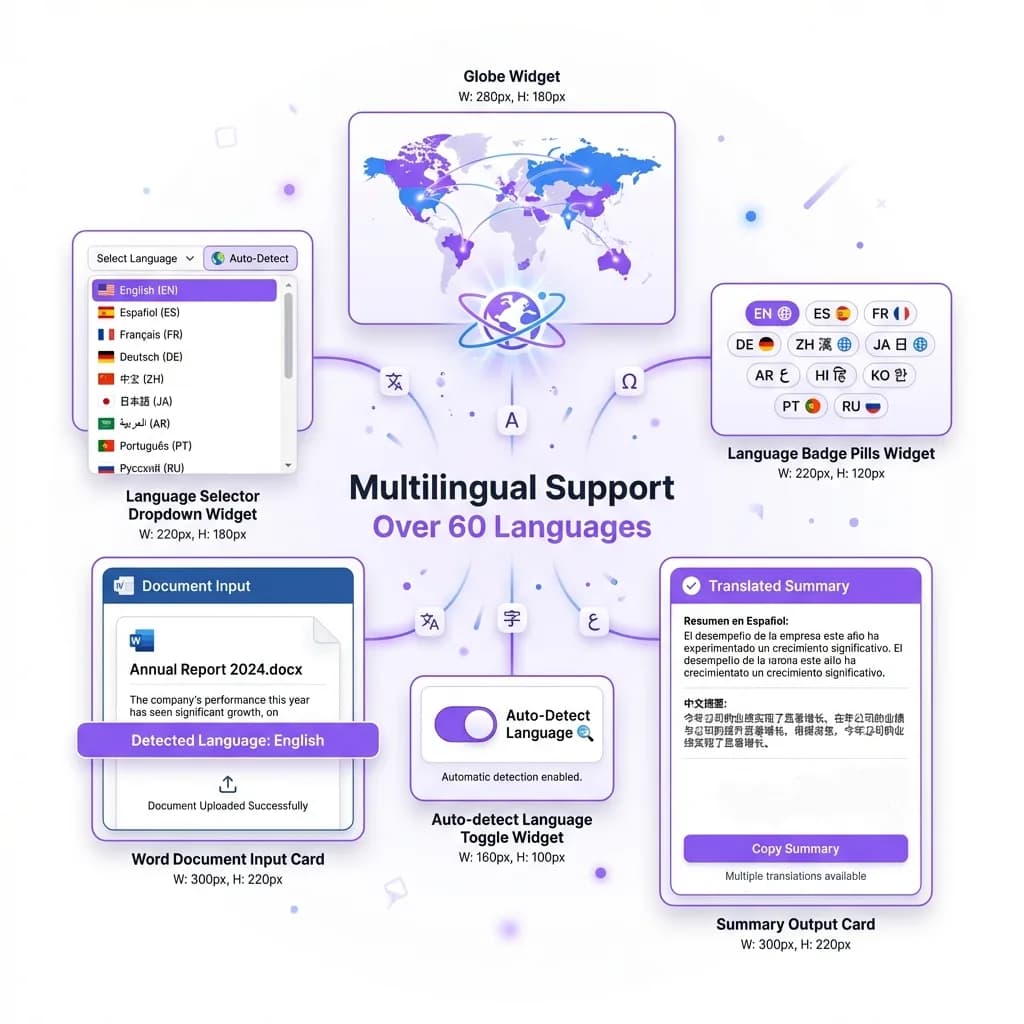
 Language Is No Longer a Barrier
Summarize Documents in Over 60 Languages
Working with documents in different languages no longer has to slow you down. Our Word Summarizer supports over 60 languages, making it easy to summarize content no matter where it comes from. Whether your document is written in English, Spanish, French, German, or another language, the tool accurately processes the text and delivers a clear summary you can understand.
What makes this feature especially powerful is that it doesn't just summarize. It can also translate and summarize at the same time. This means you can upload a document written in a foreign language and receive a clean, readable summary in your preferred language without using multiple tools. The entire process happens seamlessly in one step, saving time and reducing effort.
This is incredibly useful for international research, global business teams, and students working with foreign academic material. Instead of struggling through unfamiliar text or relying on separate translation tools, you get everything in one place. The AI preserves the original meaning while ensuring the summary remains accurate and easy to read.
For professionals working across borders, this feature removes communication barriers and speeds up collaboration. For researchers, it opens access to global sources without language limitations. And for students, it makes learning from international materials far more accessible.
No matter where the document comes from or what language it's written in, the Word Summarizer helps you extract the information you need quickly and clearly. It's a smarter way to work with multilingual content and stay productive in a global environment.
 Lightning Speed
Get Your Summary in Under a Minute
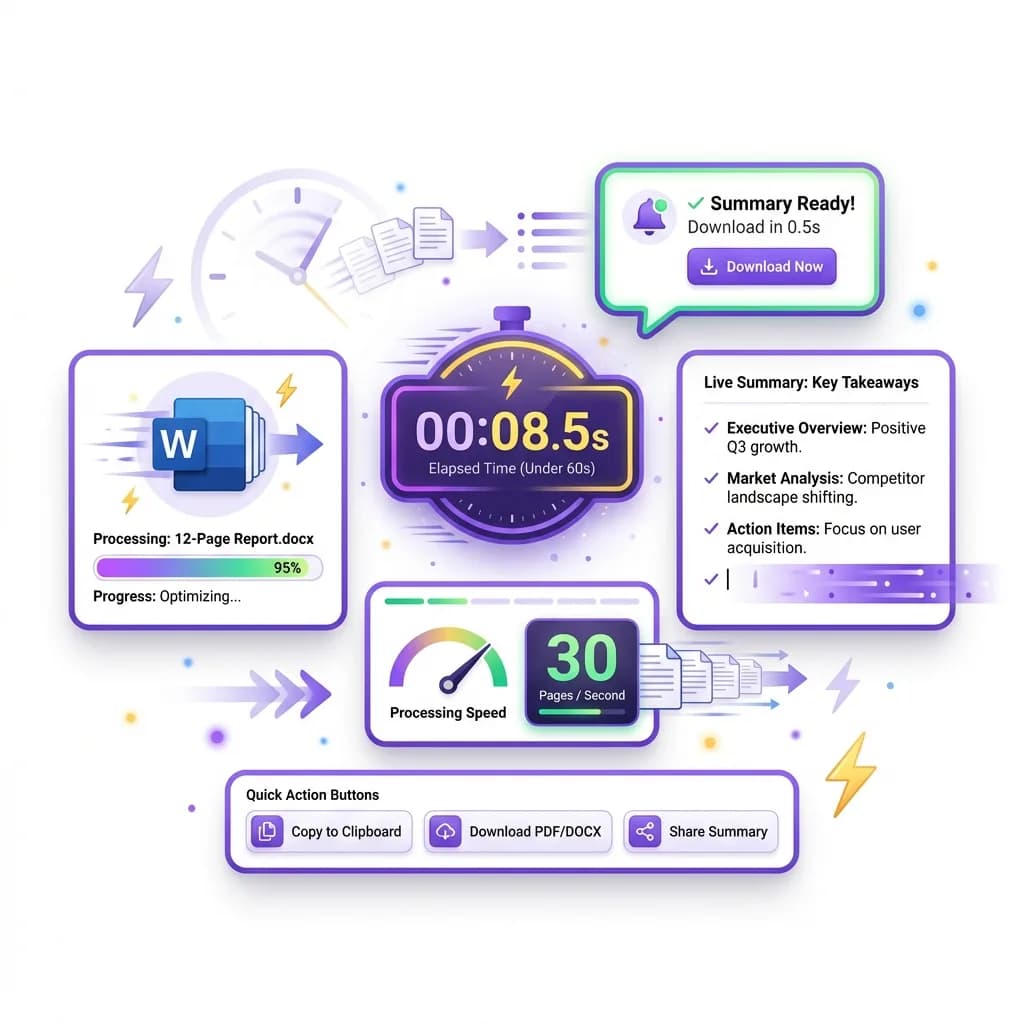
Speed matters when you're working against deadlines, and that's exactly where our Word Summarizer excels. The moment you upload your Word file, the system begins processing it instantly. There's no complicated setup, no waiting queues, and no unnecessary steps to slow you down. Just upload, click summarize, and your results appear almost immediately.
The tool is designed for efficiency without compromising accuracy. Even large documents are processed quickly, allowing you to get a clean and readable summary in under a minute. You don't have to sit through loading screens or deal with delays that interrupt your workflow. Everything happens smoothly so you can stay focused on your task.
This level of speed is especially helpful for students working on assignments, professionals preparing reports, researchers reviewing multiple papers, or writers organizing content under tight timelines. When time is limited, waiting for slow tools is not an option.
By delivering instant summaries, the Word Summarizer helps you make faster decisions, understand content quickly, and move forward without friction. Instead of spending hours reading or waiting for processing to finish, you get the information you need right away. It's built for people who value efficiency, accuracy, and momentum in their work.
What Is Our Word Summarizer?
Our Word Summarizer is an AI-powered tool designed to help you understand documents faster without reading every line. It reads your Word file, analyzes the full content, and creates a clear, concise summary that highlights the most important ideas. You get the meaning of the document in seconds instead of spending time scrolling through pages of text.
Once you upload your file, the AI scans the entire document and identifies key points, main arguments, and essential information. It removes unnecessary filler, repetitive sentences, and overly detailed sections while keeping the original meaning intact. The result is a clean, easy-to-read summary written in plain language that anyone can understand.
The tool works smoothly with all types of documents. You can summarize essays, business reports, meeting notes, research papers, academic files, and professional documents without any extra formatting or setup. There's no need to copy and paste sections manually or adjust settings before using it.
What truly sets our Word Summarizer apart is its speed, accuracy, and flexibility. It handles long documents of up to 20 MB without confusing options or forced layouts. You upload your file, click once, and get a useful summary instantly.
Whether you're a student trying to study faster, a professional reviewing reports, or a researcher working with large documents, this tool helps you save time and stay focused. It delivers exactly what you need: clear summaries that make sense and help you move forward without effort.
Why Word Summaries Matter
Most Word documents are longer than they need to be. They often include repeated explanations, lengthy introductions, and extra details that don't add real value. Reading every line takes time, especially when you're only looking for the main ideas or key conclusions. This is where summaries make a real difference.
A well-structured summary helps you absorb information faster without sacrificing understanding. Instead of digging through pages of content, you get a clear overview of what actually matters. This makes it easier to stay focused, retain important points, and move forward with confidence. Whether you're reviewing a report, studying for an exam, or preparing for a meeting, summaries remove unnecessary effort from the process.
Word summaries also improve decision-making. When information is presented clearly and concisely, you can evaluate it more effectively and act faster. You're not distracted by filler content or forced to reread sections to find key details. Everything you need is presented in one clean view.
This isn't about taking shortcuts or missing important information. It's about working smarter and managing your time better. By using summaries, you reduce mental fatigue, improve productivity, and stay focused on what truly matters. Over time, this simple habit can save hours every week and make your workflow far more efficient.
Step by Step: How to Summarize Word Documents Online
Summarizing a Word document with our tool is quick, simple, and requires no technical skills. The entire process is designed to save time and remove unnecessary steps so you can focus on understanding the content instead of managing files.
- Step 1: Open the Word Summarizer on your browser. There is no installation or setup required.
- Step 2: Upload your Word document in .doc or .docx format using the upload button.
- Step 3: Once the file is uploaded, check that the document name appears correctly on the screen.
- Step 4: Click the "Generate Summary" button to begin the process.
- Step 5: The AI scans the entire document, analyzes the structure, and identifies key ideas and important sections.
- Step 6: Within a few seconds, your summarized content appears in a clean and readable format.
- Step 7: Review the summary to ensure it matches what you need. You can easily understand the main points without reading the full document.
- Step 8: Copy the summary, download it, or edit it based on your requirements.
That's it. No complicated settings, no long waiting times, and no learning curve. This step-by-step process allows you to convert lengthy documents into clear summaries in minutes. Whether you're a student, professional, or researcher, the tool helps you save time, stay organized, and focus on what truly matters.
Frequently Asked Questions
A Word Summarizer is an AI-powered tool that reads Word documents and creates a shorter version containing only the most important points. Instead of manually reading long files, the tool scans the content, understands the context, and extracts key ideas automatically. Once you upload a document, the AI analyzes sentence structure, topic flow, and meaning before generating a clear and accurate summary. The goal is to help you understand the document faster without losing essential information. It works for reports, essays, research papers, meeting notes, and more, making it useful for both academic and professional use.
Yes, the Word Summarizer is free to use and does not require any complicated setup. You can upload your document and generate summaries without creating an account or entering payment details. This makes it ideal for students, professionals, and researchers who need quick results without committing to subscriptions. There are no hidden charges or forced upgrades during basic use. You can run five free summaries a day, which makes it a reliable tool for everyday work and study tasks.
You can summarize almost any type of Word document. This includes essays, research papers, business reports, meeting notes, academic assignments, contracts, project documentation, and more. The tool works well with both short and long documents, regardless of writing style or subject matter. Whether the content is technical, professional, or educational, the AI can identify the key points and present them in a clear summary. As long as the file is in .doc or .docx format, it can be processed easily.
Yes, the Word Summarizer is designed to handle long and complex documents without losing accuracy. Unlike basic summarization tools that struggle with large files, this tool reads the entire document and maintains context throughout. It works well with long research papers, multi-page reports, and detailed professional documents. Even if your file contains dense paragraphs or technical language, the AI can still extract meaningful insights and present them in a clear and organized summary.
The summaries are highly accurate and focused on delivering the main ideas of the document. The AI analyzes structure, topic flow, and key points instead of simply shortening text randomly. This ensures that important information is preserved while unnecessary repetition is removed. While no automated tool can replace human judgment entirely, the summaries are reliable for studying, reviewing documents, preparing notes, or gaining quick understanding. For most users, the accuracy level is more than sufficient for daily work and research.
Yes, the Word Summarizer supports over 60 languages. You can upload documents written in different languages and receive accurate summaries without needing separate translation tools. In many cases, the tool can also translate and summarize at the same time, making it perfect for international research or multilingual teams. This feature allows you to work with content from around the world without language becoming a barrier.
Upload one document at a time, up to 20 MB. Download its summary before choosing another file. You can run five free summaries a day.
Yes, the Word Summarizer works smoothly on mobile phones and tablets. You don't need to install an app or download special software. Simply open the tool in your mobile browser, upload your document, and generate a summary. The interface automatically adjusts to your screen size, making it easy to use on the go. This is especially helpful for students or professionals who need quick summaries while traveling or working remotely.
Absolutely. Once your summary is generated, you can copy it, edit it, or download it based on your needs. You have full control over the text, allowing you to adjust length, rewrite sections, or save it for later use. There are no restrictions on how you use the summary. You can paste it into documents, presentations, notes, or research materials without any limitations.
Unlike basic chat tools, this Word Summarizer is designed specifically for document analysis. It understands document structure, identifies important sections, and produces cleaner summaries. Chatbots often require manual prompts and may miss context when handling large files. This tool works automatically and consistently, giving you structured summaries without extra effort. It's faster, more reliable, and optimized for document-based summarization.
Yes, your data is handled securely. Uploaded documents are processed only to generate summaries and are not stored permanently. The tool does not share your content with third parties, and files are automatically removed after processing. This makes it safe for professional, academic, and personal use. You can confidently upload sensitive documents without worrying about privacy issues.
The Word Summarizer is useful for a wide range of users. Students can summarize study materials and research papers. Professionals can quickly review reports and meeting notes. Researchers can process large volumes of academic content. Writers and editors can extract key ideas for rewriting or analysis. Anyone who works with documents regularly can benefit from faster reading and better comprehension.
Yes, the tool is ideal for academic use. It helps students and researchers understand lengthy papers, extract key points, and prepare study notes efficiently. However, it should be used as a learning aid rather than a replacement for original work. You can use summaries to understand material faster, but assignments and submissions should always be written in your own words.
Most summarizers fail the moment a document gets long or technical, cutting out important details or producing summaries that make little sense. This one reads the entire file, keeps the context across sections, and returns a clear summary in under a minute. It also supports over 60 languages, so a document written in another language does not need a separate translation step. Upload a .doc or .docx file, click once, and copy, edit, or download the result.