Get Instant Summary of Any PPT with Our Free PPT Summarizer
Stop wasting time reading long slide decks. Get the key points in seconds with our AI-powered PPT summarizer tool.
 Stop Reading Slides. Start Understanding Faster.
Learn How Our PPT Summarizer Works for You
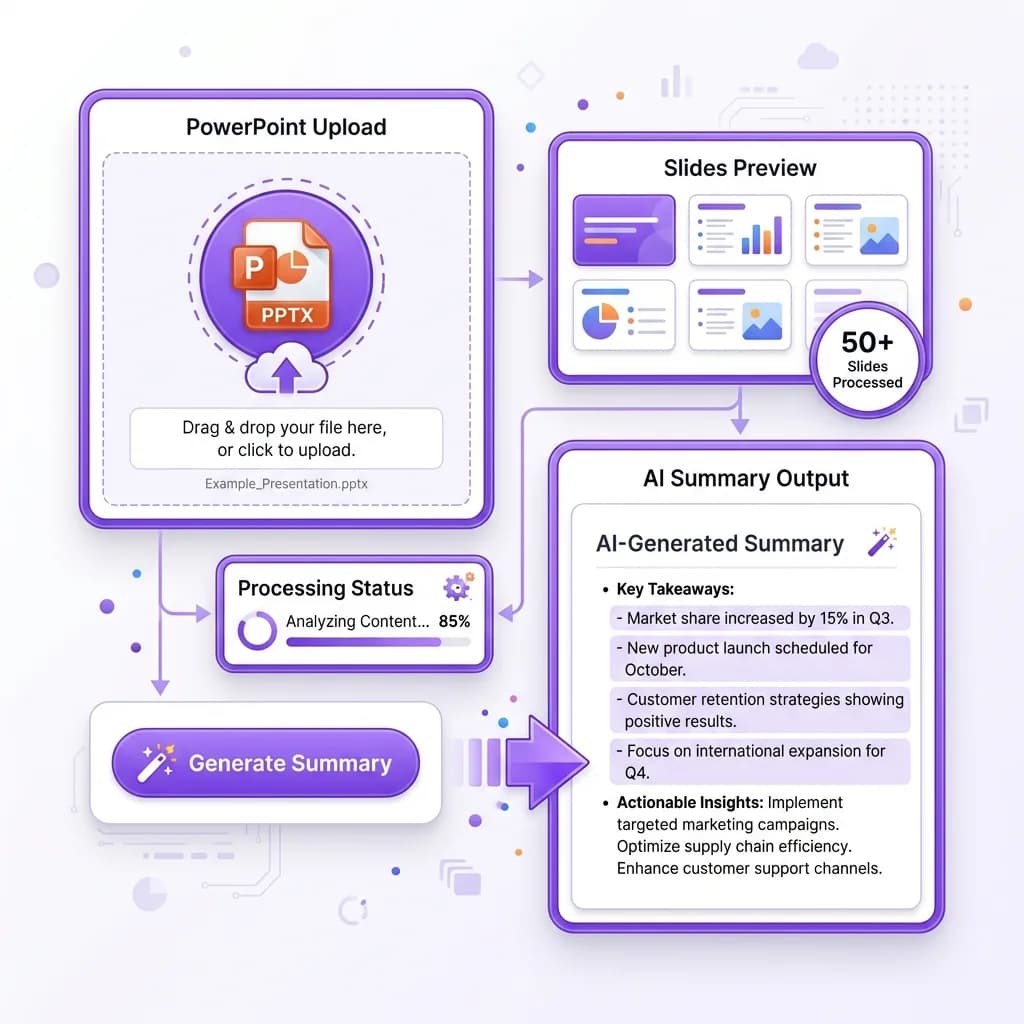
Upload your PowerPoint file and let our AI do the heavy lifting. The PPT summarizer scans every slide, extracts the main ideas, and converts them into a clean, readable summary within seconds. No fluff. No unnecessary slide content. Just the information you actually need.
Whether it's a 10-slide presentation or a 150-slide lecture, you get the core insights without sitting through endless bullet points. This helps you save time, stay focused, and understand content faster than ever.
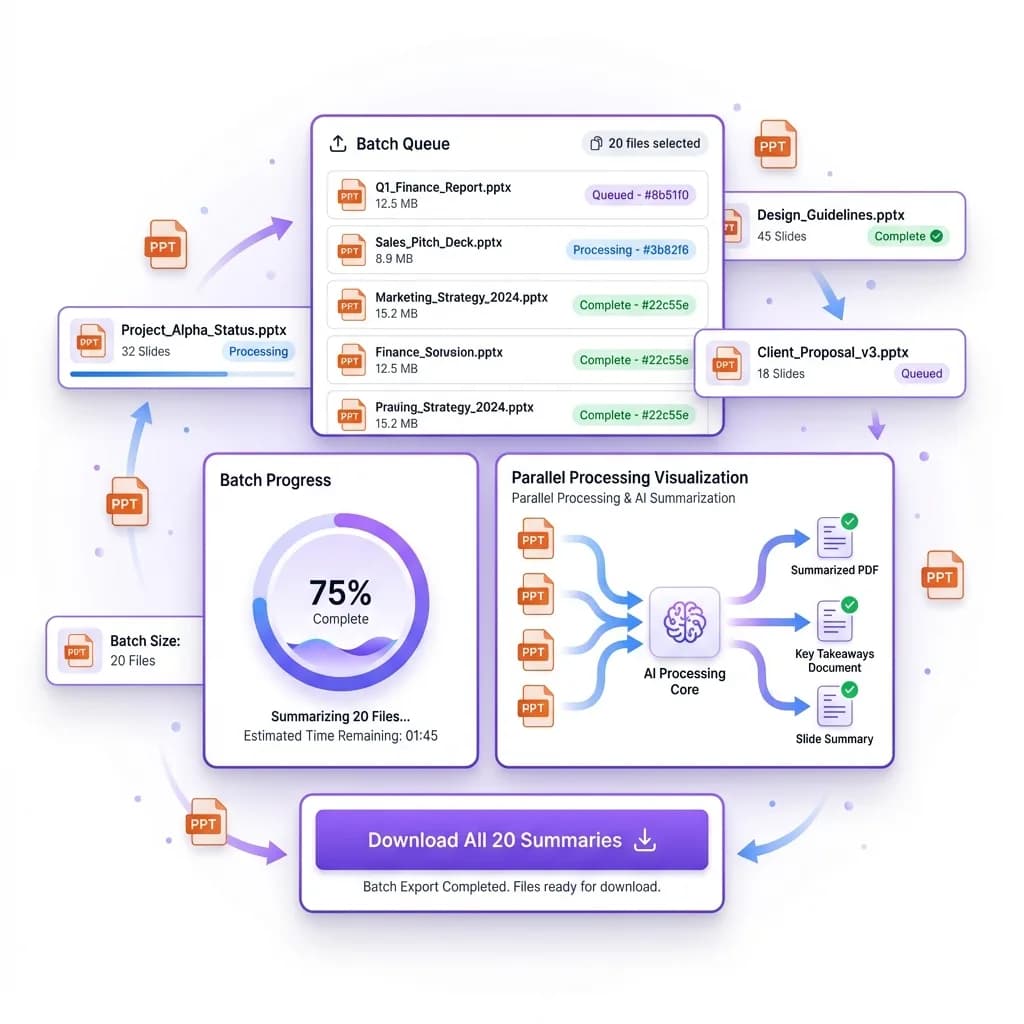
 One File per Request
Review Multiple Presentations, One at a Time
Upload one document at a time, up to 20 MB. Download its summary before choosing another file. You can run five free summaries a day.
Perfect for students revising lectures, professionals reviewing reports, or teams preparing for meetings. Work through your presentations one file after another and save hours of manual reading.
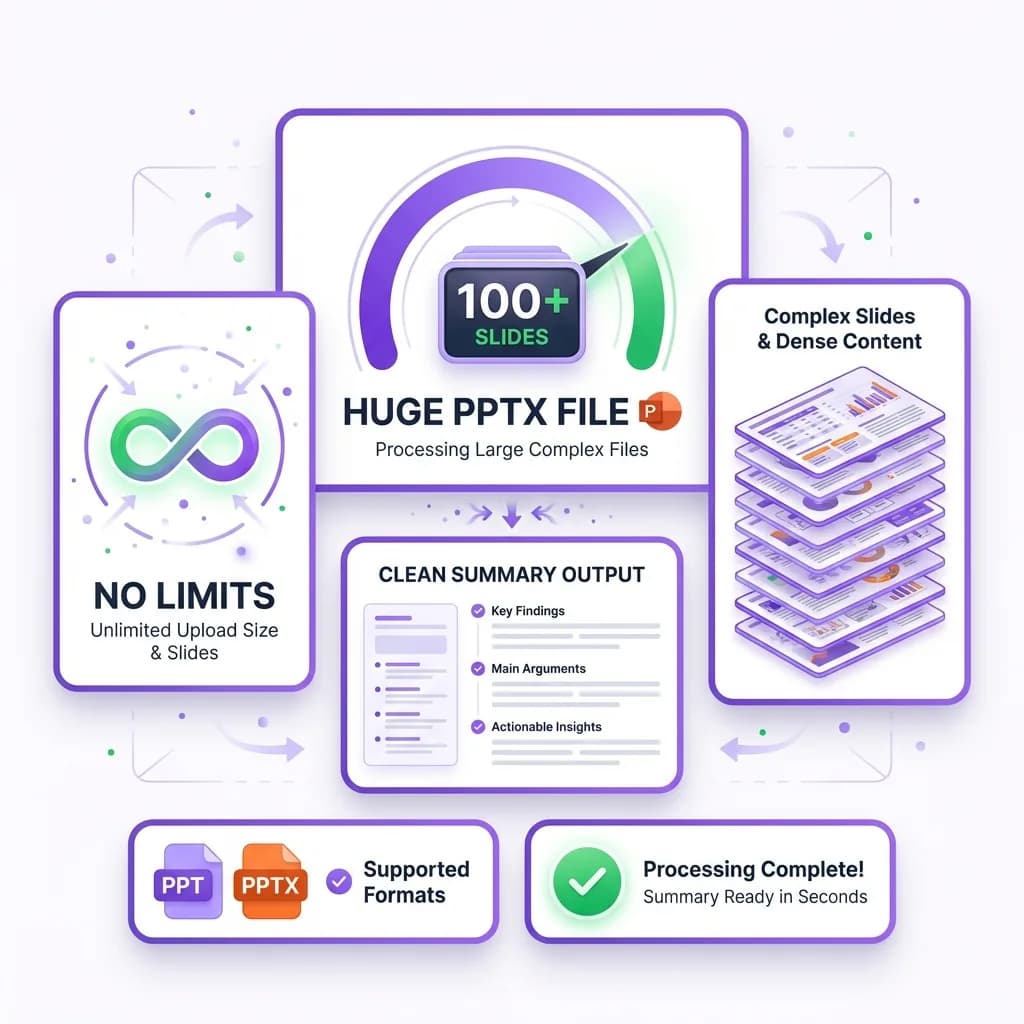
 No Barriers
Summarize Long and Complex PPT Files
Most PPT summarizers fail when slides are long, complex, or poorly structured. Ours doesn't. It handles large PowerPoint files, dense academic slides, business decks, and technical presentations with ease.
You don't need perfectly designed slides or speaker notes. Even messy presentations are analyzed properly, allowing you to extract useful insights without manual effort.
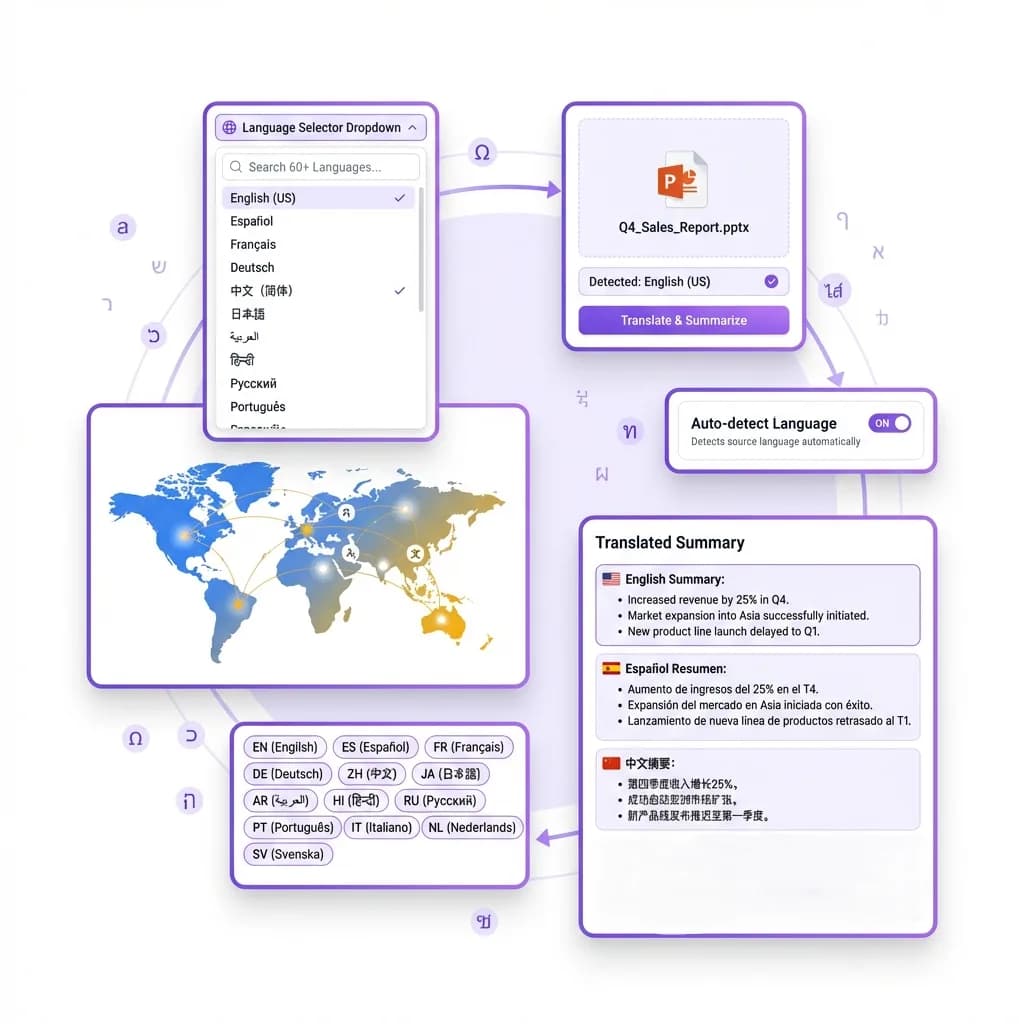
 Global Access
Translate and Summarize PPTs in 60+ Languages
Language should never be a barrier. Our PPT summarizer supports over 60 languages, allowing you to summarize presentations from anywhere in the world.
Whether the slides are in English, Spanish, French, German, or another language, you get accurate summaries in your preferred language. Perfect for international students, global teams, and cross-border research.
 Lightning Fast
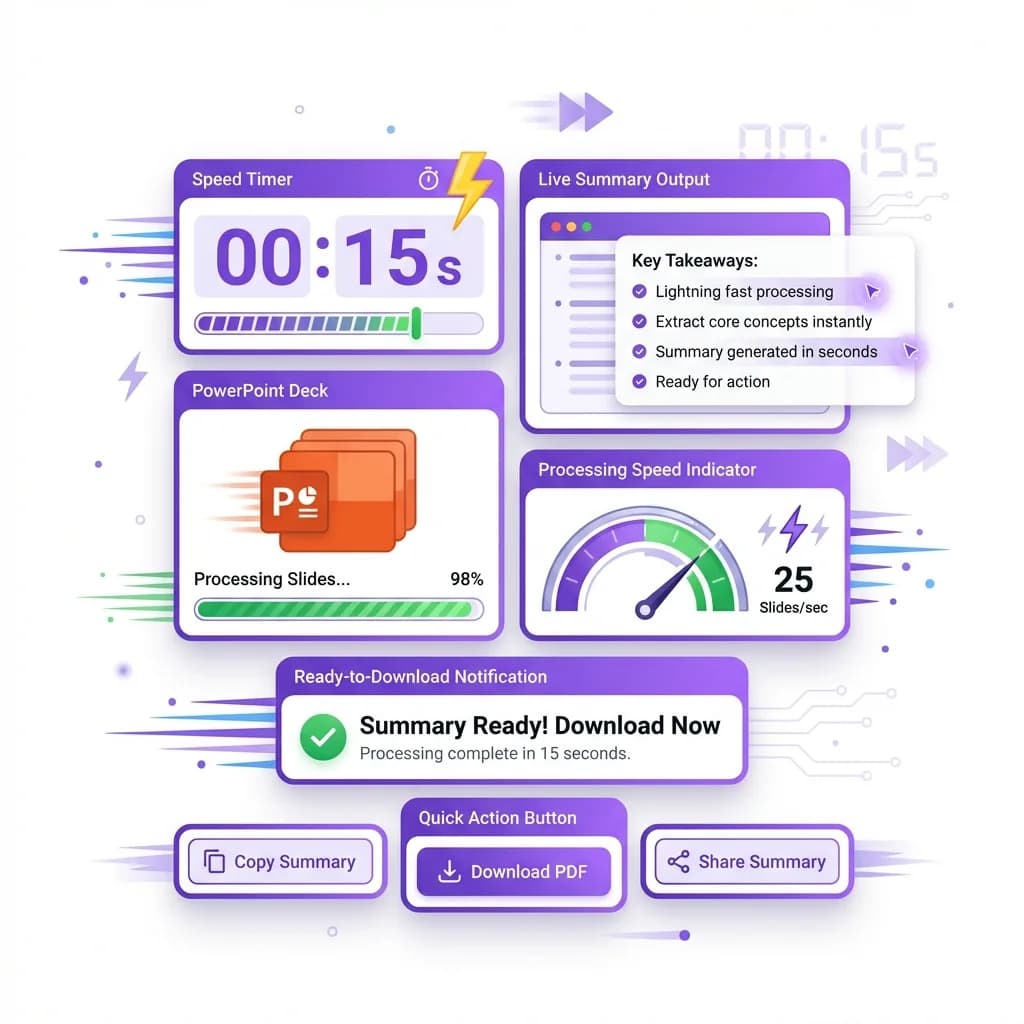
Get Your PPT Summary in Seconds
Speed matters. Our AI processes slides instantly and delivers summaries in under a minute. No loading screens. No waiting.
Just upload the file, click summarize, and get your results before you even finish your coffee. When you're handling multiple presentations daily, this speed adds up to serious time savings.
What Is a PPT Summarizer?
A PPT summarizer is an AI tool that reads PowerPoint files and converts long slide decks into short, easy-to-read summaries. Instead of going through every slide manually, you get the key ideas instantly.
Once you upload a PPT file, our AI analyzes slide content, headings, bullet points, and structure to extract meaningful insights. It works for academic slides, business presentations, training decks, and more.
What makes our tool different is speed, accuracy, and flexibility. No slide limits. No formatting issues. No manual cleanup. Just fast, readable summaries that actually make sense.
Why PPT Summaries Matter
Most PowerPoint presentations are overloaded with text, visuals, and filler content. That's great for presentations, but terrible when you just want the core message.
Summaries cut through the noise. They help you understand concepts faster, prepare for meetings quicker, and revise information without burning hours. Whether you're studying, working, or researching, summarizing PPTs helps you stay productive without information overload.
How to Summarize PPT Files Online for Free
Using our PPT summarizer is extremely simple and requires no technical skills. There is no learning curve, no software installation, and no complicated setup. The entire process is designed to be fast, clean, and beginner-friendly so anyone can summarize presentations in seconds.
Step 1: Upload your PPT or PPTX file directly into the tool. It works with lecture slides, business presentations, training decks, and more.
Step 2: Click the "Generate Summary" button to start the process.
Step 3: Our AI instantly analyzes your slides, identifying key points, headings, and important concepts.
Step 4: Within seconds, you receive a clear and structured summary that captures the core ideas of the presentation.
Step 5: You can copy the summary, download it, or save it for later use.
Step 6:Upload one document at a time, up to 20 MB. Download its summary before choosing another file. You can run five free summaries a day.
That's it. No manual reading. No wasting time scrolling through slides. In just a few clicks, you turn long presentations into easy-to-read summaries that help you study faster, work smarter, and stay productive.
Frequently Asked Questions
A PPT summarizer is an AI-powered tool that reads PowerPoint files and converts long slide decks into short, easy-to-understand summaries. Instead of manually opening each slide and extracting key points yourself, the tool does the work for you in seconds.
Once you upload a PPT or PPTX file, the AI scans the text, headings, bullet points, and overall structure of the presentation. It then identifies the most important ideas and organizes them into a clean summary that captures the core message of the presentation.
This works for lecture slides, business presentations, training material, research decks, and even pitch presentations. The goal is simple: help you understand the content faster without reading every slide manually.
Yes, the PPT summarizer is completely free to use. You don't need to create an account, enter payment details, or subscribe to anything just to generate summaries.
You can upload PPT files, generate summaries, and copy the output without restrictions. This makes it perfect for students, professionals, and researchers who need quick summaries without extra steps or hidden costs.
There are also no watermarks or forced downloads. You get clean, usable text that you can copy or save however you want.
The tool supports standard PowerPoint formats including PPTX files; save older PPT files as PPTX first. It works with:
- Academic lecture slides
- Business presentations
- Corporate training decks
- Marketing presentations
- Research and conference slides
- Project proposals
- Educational slides
Whether your presentation contains bullet points, headings, charts, or text-heavy slides, the summarizer can process it accurately. Even presentations with mixed formatting or long content work well.
Yes. The PPT summarizer is built to handle large presentations without issues. You can upload files with dozens or even hundreds of slides, and the tool will still generate a structured summary.
Unlike many tools that struggle with large files or slow down during processing, this summarizer is optimized for speed and performance. It extracts the key points efficiently, no matter how long the presentation is.
This makes it especially useful for university lectures, corporate training sessions, and conference presentations that usually contain a lot of information.
The summaries are highly accurate and focused on the main ideas of the presentation. The AI identifies headings, repeated concepts, important bullet points, and context to ensure nothing critical is missed.
While no summarizer can replace human judgment for highly technical or specialized content, most users find the summaries more than sufficient for studying, reviewing, or understanding the material quickly.
If a presentation contains heavy data or formulas, the summary will still capture the intent and key explanations, helping you understand the structure without reading every slide.
Yes, and it's one of the most common use cases. Students use the PPT summarizer to:
- Review lecture slides faster
- Prepare for exams
- Understand complex topics quickly
- Create study notes from presentations
- Save time during revision
It's especially helpful when professors upload long slide decks with minimal explanations. The summary helps you grasp the topic before diving deeper into textbooks or recordings.
Absolutely. Professionals use the PPT summarizer to save time and increase productivity. It helps with:
- Reviewing meeting presentations
- Understanding reports quickly
- Preparing for presentations
- Analyzing client decks
- Summarizing training material
Instead of scrolling through dozens of slides, you get a concise overview that helps you make faster decisions and stay focused on important points.
Yes. The PPT summarizer supports multiple languages and can process presentations written in over 60 languages.
You can upload a PPT in one language and receive a summary in the same language or a translated version, depending on your preference. This makes it extremely useful for international students, global teams, and multilingual research work.
Yes, the tool is fully mobile-friendly. You can use it on smartphones and tablets without installing any app.
The interface automatically adjusts to your screen size, allowing you to upload files, generate summaries, and read results comfortably on any device. This makes it perfect for quick reviews on the go.
Yes. Your files are processed securely and are not stored permanently. The summarization happens instantly, and once the process is complete, your data is not saved on servers.
This ensures privacy and confidentiality, especially when working with sensitive business or academic material.
Yes. After the summary is generated, you can copy it, download it, or paste it into your notes, documents, or presentations.
There are no restrictions on how you use the output. You can edit it, reformat it, or combine it with other notes as needed.
If the text is readable within the slides, the summarizer can extract and summarize it. For heavily image-based slides with very little text, the summary may be shorter since there is less content to analyze.
For best results, presentations with visible text, bullet points, and headings work the best.
Reading slides manually takes time and often includes unnecessary content like animations, filler slides, or repeated points. The PPT summarizer removes all that and delivers only what matters.
Instead of spending 30 to 60 minutes going through a presentation, you can understand it in under a minute. That time savings adds up quickly, especially if you work with multiple presentations daily.
No. Upload one document at a time, up to 20 MB. Download its summary before choosing another file. You can run five free summaries a day.
This tool is ideal for:
- Students and teachers
- Business professionals
- Researchers and analysts
- Trainers and educators
- Content creators
- Corporate teams
- Anyone who works with presentations regularly
If you deal with PowerPoint files and want faster insights, this tool is built for you.
Not at all. The interface is designed for everyone. If you know how to upload a file and click a button, you can use the PPT summarizer.
There's no learning curve, no setup, and no complicated features to understand.
This tool stands out because it is:
- Fast and reliable
- Free to use
- Supports large files
- Works in multiple languages
- Offers clean, readable summaries
- Requires no signup
- Works on all devices
Most other tools limit usage, require payment, or produce low-quality summaries. This one focuses on speed, clarity, and ease of use.