Turn Voice Memos into Text Instantly with Our Voice Memo to Text Tool
Listening to voice notes again and again wastes time. With our voice memo to text tool, you can instantly convert audio recordings into clean, readable text without manual typing. Just upload your voice memo and let our AI handle the rest.
Whether you are recording ideas, meetings, lectures, or reminders, this tool helps you turn spoken words into organized text within seconds.
 Stop Replaying Audio. Start Reading Faster.
How Our Voice Memo to Text Tool Works
Using voice memo to text tool is straightforward and designed for speed. You simply upload your voice memo, and the system immediately begins analyzing the audio. The AI listens to the entire recording, identifies spoken words, and converts them into structured, readable text without requiring any manual effort from you. There is no setup process, no complicated options to adjust, and no technical knowledge required to get started.
Once conversion begins, the tool processes the audio intelligently rather than line by line. This allows it to capture context, sentence flow, and meaning instead of producing fragmented or robotic text. Whether your recording is a quick personal note, a long meeting discussion, or a lecture-style memo, the output remains clear and easy to understand.
One of the biggest advantages is that you no longer need to replay recordings repeatedly to find specific details. The transcript gives you instant access to the full content, making it easy to scan, highlight important points, or extract key ideas. This saves time and removes the frustration of scrubbing through audio just to locate one sentence.
The tool works equally well for short voice notes and longer recordings, so you can use it for daily reminders, work meetings, interviews, or brainstorming sessions. Once your text is generated, you can review it, save it, or share it however you like. The entire process is designed to help you move faster, stay organized, and make better use of your recorded ideas without wasting time listening to the same audio again and again.
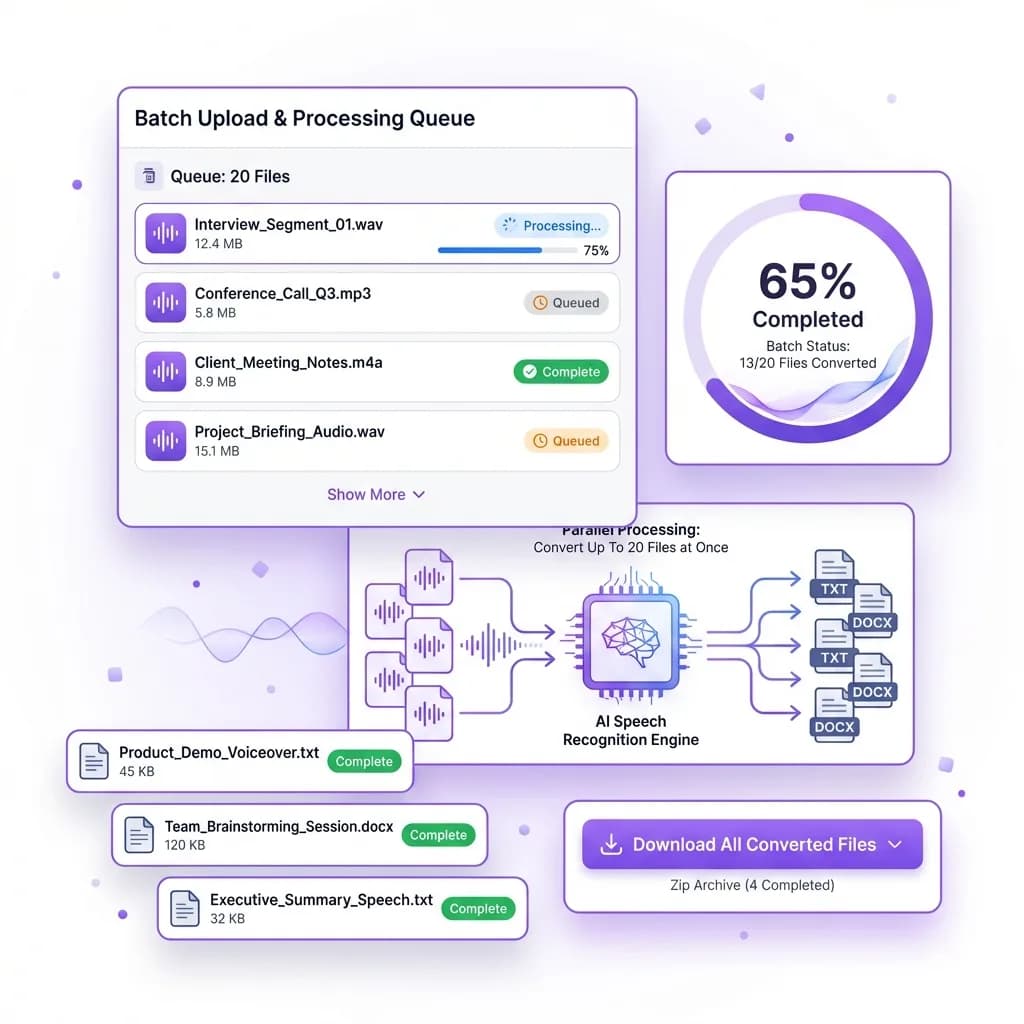
 One File per Request
Transcribe One Recording at a Time
The form accepts one recording per request. Review and save the result before choosing Start over to transcribe another file within your daily allowance.
This feature is especially useful for people who deal with large volumes of audio on a regular basis. Journalists can work through interviews one recording at a time. Students can transcribe a lecture, save the text, and start over with the next one. Professionals can turn meeting notes, voice reminders, or brainstorming sessions into text the same way, one file after another.
This approach saves a significant amount of time, especially when working under deadlines. Instead of spending hours uploading and converting recordings manually, you can complete the entire task in minutes. That means less time waiting and more time reviewing, organizing, or acting on the information.
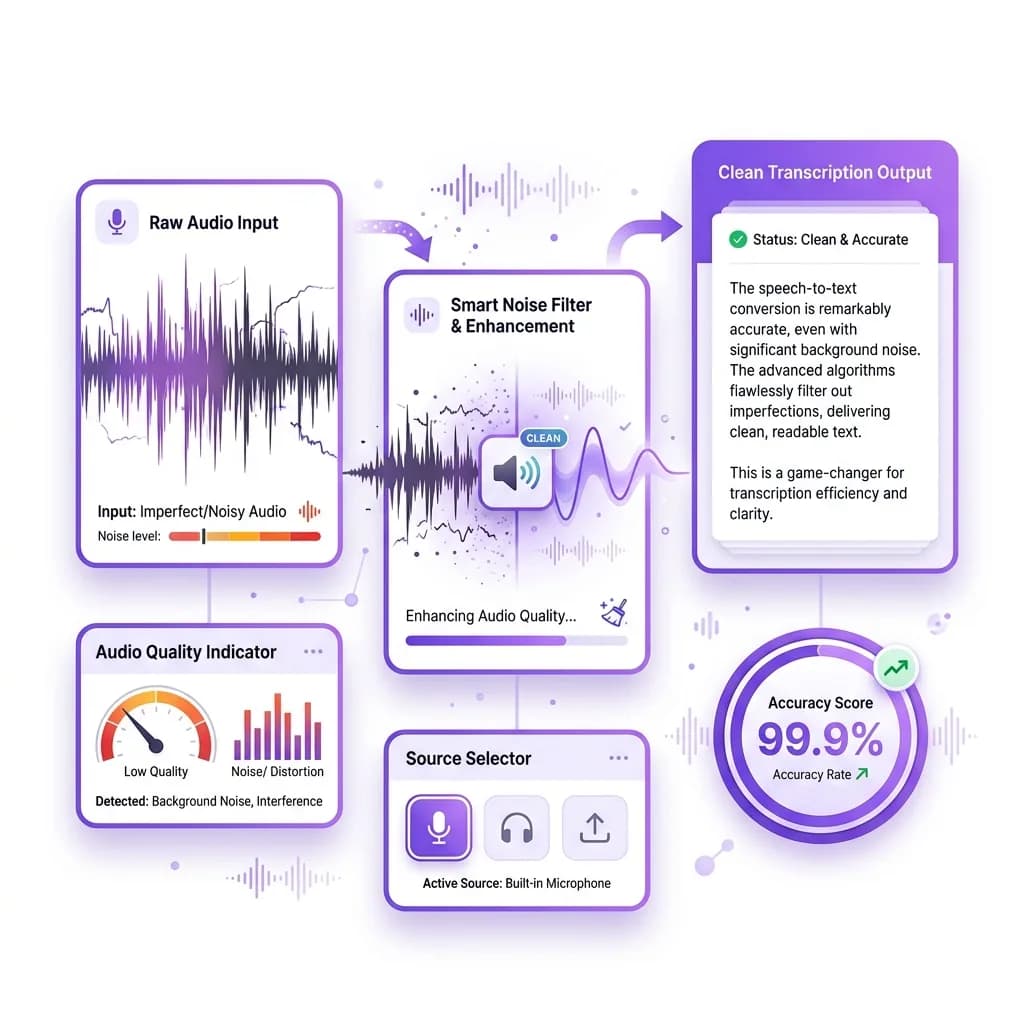
 No Barriers
Convert Voice Memos Even Without Perfect Audio
Most transcription tools struggle when audio quality is less than ideal. Background noise, overlapping voices, or uneven volume can easily break basic systems. Our voice memo to text tool is built differently. It is designed to work with real-world recordings, not just studio-quality audio.
Whether your voice memo was recorded in a busy environment, on the go, or with a phone microphone, the AI can still recognize speech and convert it into readable text. It adapts to different accents, speech patterns, and speaking speeds, ensuring the final transcript remains accurate and easy to understand. You do not need to clean up the audio or enhance it beforehand.
The tool also works without subtitles or captions. Many transcription tools rely on pre-generated captions to function properly, but ours processes the actual audio itself. As long as the recording contains spoken words, the system can analyze it and generate a clear transcript.
You can upload voice memos up to 120 minutes long, making it suitable for extended meetings, lectures, interviews, or brainstorming sessions. Short recordings work just as well, but longer files are handled with the same level of accuracy and consistency.
This means you are no longer limited by audio quality or recording conditions. You can convert voice notes recorded in real-life situations without worrying about clarity or format. The result is reliable text you can read, store, and use immediately, no matter how or where the original voice memo was recorded.
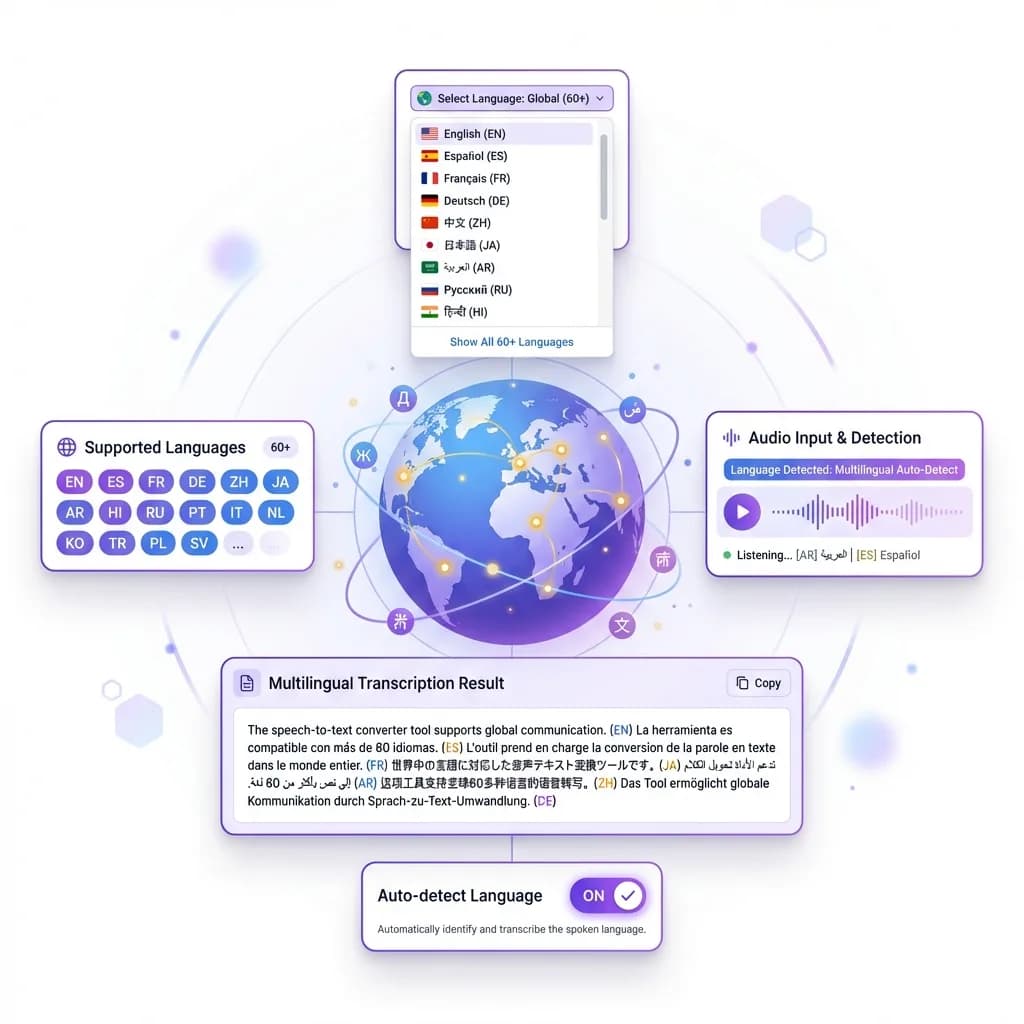
 Global Language Support
Convert Voice Memos in Over 60 Languages
Our voice memo to text tool is built for users around the world. It supports more than 60 languages, allowing you to convert voice recordings into accurate text no matter where the audio was recorded or which language is being spoken. This makes it a powerful solution for individuals and teams working across different regions and cultures.
The AI automatically detects the language used in the voice memo and converts it into clear, readable text without requiring manual selection. Whether your recording is in English, Spanish, French, German, Hindi, or another supported language, the transcription remains accurate and well-structured. You don't need to translate anything yourself or rely on separate tools.
This feature is especially useful for international teams, remote workers, students studying foreign languages, and researchers handling global content. You can easily transcribe interviews, meetings, lectures, or voice notes recorded in different languages and keep everything organized in one place.
Language support also helps reduce communication barriers. Instead of replaying audio or struggling to understand accents, you can quickly read the transcript and extract the information you need. This improves collaboration and saves time when working with multilingual materials.
The tool handles language detection automatically, so there's no setup involved. Just upload your voice memo, and the system takes care of the rest. Whether you're working with a single language or switching between several, the experience remains fast, simple, and reliable.
With broad language coverage and consistent accuracy, this feature ensures your voice memos are always accessible, understandable, and easy to work with, no matter where they come from.
 Fast Performance
Get Your Transcription in Under a Minute
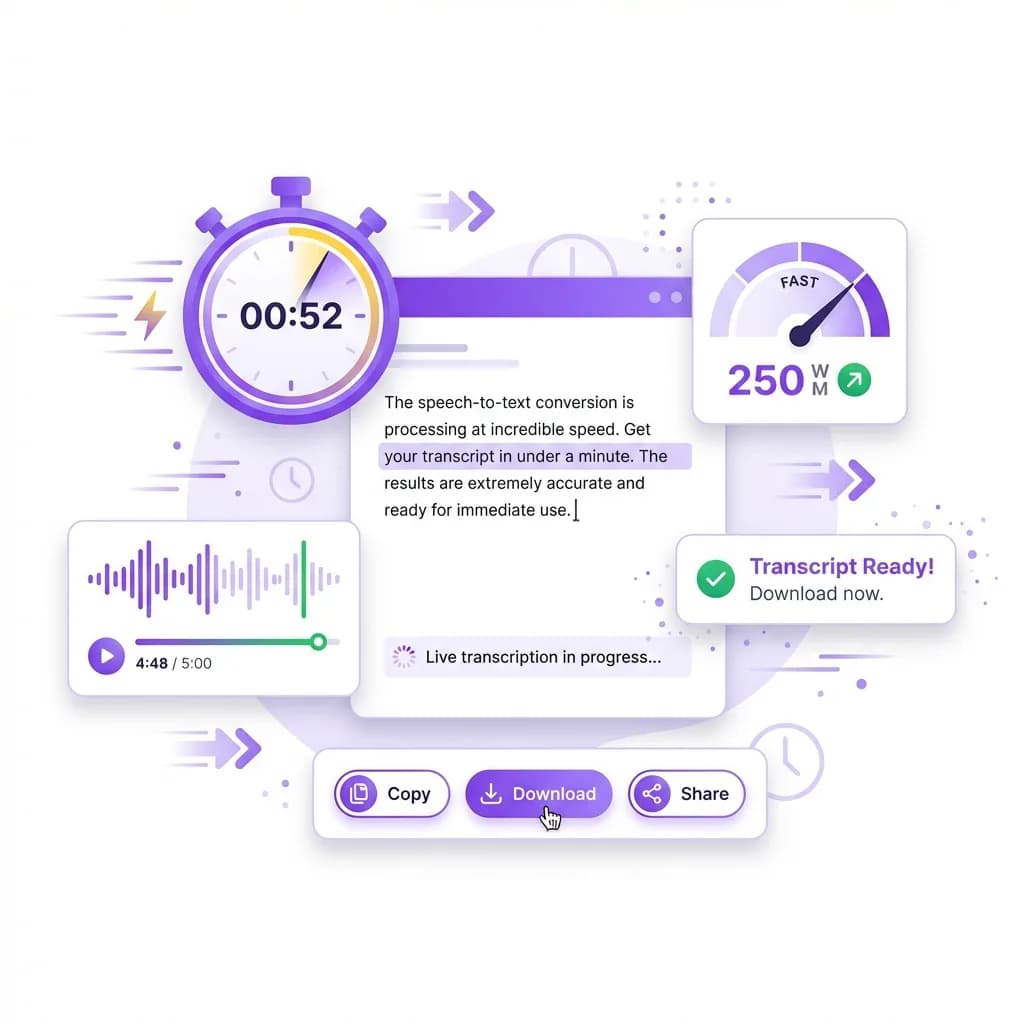
Speed plays a major role when working with voice recordings, and this tool is built with that exact need in mind. Once you upload your voice memo, the system immediately begins processing the audio without delays or unnecessary steps. In most cases, your full transcription is ready in under a minute, even for longer recordings.
There's no waiting for files to queue, no long loading animations, and no manual processing required. The AI works in real time, analyzing speech patterns, recognizing words, and converting them into readable text almost instantly. This allows you to move forward with your work without interruption or wasted time.
Fast transcription is especially useful when you're handling time-sensitive tasks. Whether you're reviewing meeting notes, preparing content, or organizing recorded ideas, quick access to text helps you stay productive. Instead of listening to the same recording multiple times, you can scan the transcript and get exactly what you need in seconds.
The performance remains consistent regardless of file length. Short voice notes are converted nearly instantly, while longer recordings are processed efficiently without slowing down. You don't need to adjust settings or wait for approval before downloading your text.
This level of speed makes the tool ideal for professionals, students, and creators who value efficiency. Every second saved adds up over time, helping you focus on analysis, decision-making, or content creation rather than manual transcription.
With fast processing and reliable results, the voice memo to text tool ensures your workflow stays smooth, simple, and uninterrupted from start to finish.
What Is a Voice Memo to Text Tool?
A voice memo to text tool is an AI-powered solution that converts spoken audio into written text automatically. Instead of listening to recordings and typing everything manually, the tool does the work for you by analyzing the audio and turning it into a clear, readable transcript within seconds.
Once you upload a voice memo, the system processes the audio by identifying speech patterns, recognizing words, and structuring the content into proper sentences. The result is a well-organized text version of your recording that is easy to read, review, and use for future reference. This works for a wide range of recordings, including meetings, lectures, interviews, voice notes, and personal reminders.
What makes this tool especially useful is its ability to handle real-world audio without extra steps. You don't need subtitles, pre-written transcripts, or special formatting. The AI listens directly to the recording and extracts the information accurately, even if the audio includes pauses, accents, or natural speech variations.
Another key advantage is flexibility. Whether your voice memo is a few seconds long or over an hour in length, the tool processes it efficiently without cutting off content or reducing quality. There are no complicated settings to adjust and no technical knowledge required.
Overall, a voice memo to text tool helps you save time, stay organized, and make better use of your recordings by turning spoken words into accessible, editable text you can use immediately.
Why Voice Memo Transcription Is Useful
Voice memos are one of the fastest ways to capture thoughts, ideas, and conversations. You can record them anytime without stopping to type. However, listening to those recordings later can be time-consuming and inefficient, especially when you are trying to find specific information. Replaying audio, skipping back and forth, and trying to remember where something was said often wastes more time than it saves.
Transcribing voice memos into text solves this problem completely. Once your audio is converted into written form, you can quickly scan the content, locate key points, and extract the information you need without replaying the entire recording. This makes reviewing notes, meetings, or lectures much faster and more organized.
Text transcripts also make it easier to store and manage information. You can copy important sections, highlight key ideas, or add the content to documents, emails, or reports. Instead of dealing with multiple audio files, everything becomes searchable and easy to reference later.
Voice memo transcription is especially useful for students, professionals, and anyone who relies on spoken notes. It improves productivity by reducing time spent listening and increases accuracy by ensuring nothing important is missed. Whether you are organizing your thoughts, reviewing discussions, or saving ideas for future use, converting voice memos into text turns raw audio into practical, usable content that fits seamlessly into your daily workflow.
How to Convert Voice Memos to Text Online
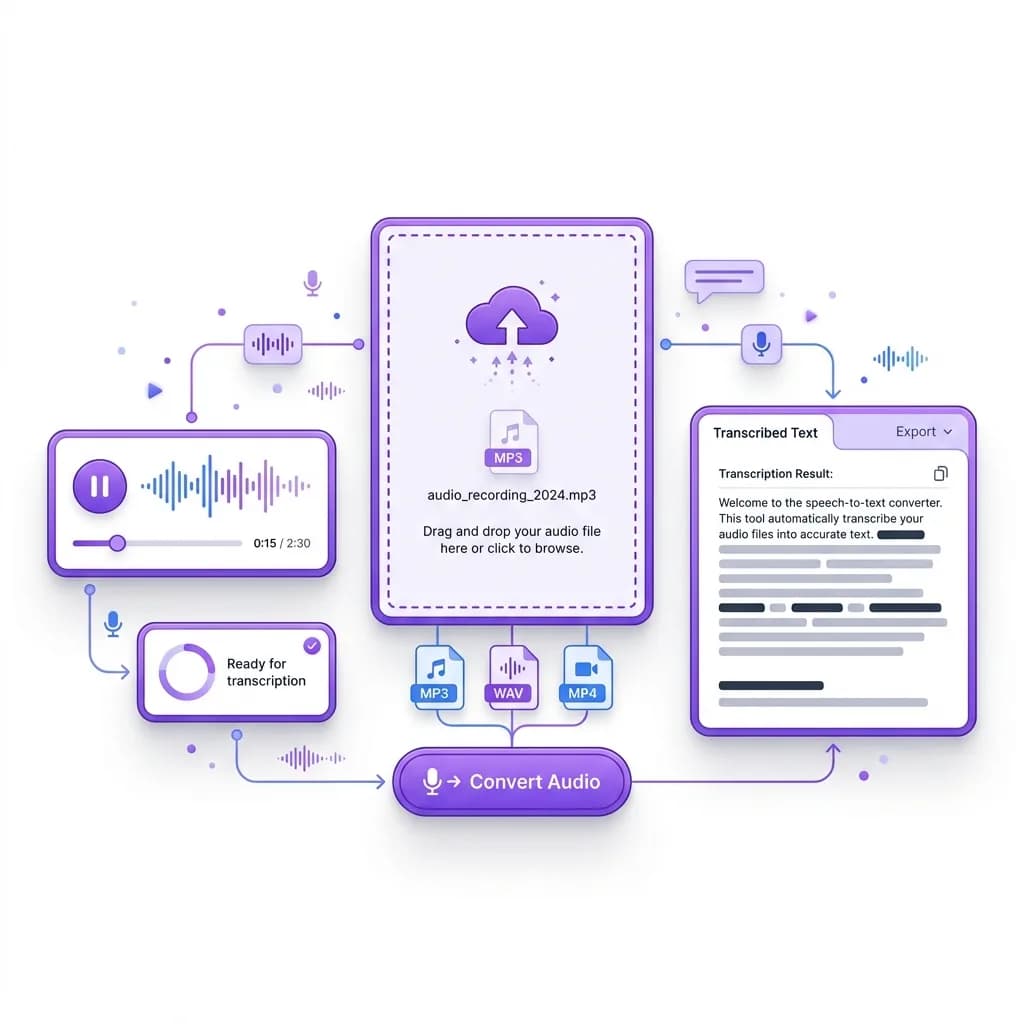
- Step 1: Upload your voice memo. Choose the audio file from your phone or computer and upload it to the tool. It supports common formats like M4A, MP3, and WAV.
- Step 2: Confirm your file is ready. Once the upload finishes, you'll see the file loaded in the workspace and ready for conversion.
- Step 3: Click "Convert to Text". Hit the button to start transcription. The AI begins processing the audio immediately.
- Step 4: Let the AI transcribe the speech. The system detects spoken words, understands sentence flow, and converts the memo into readable text automatically.
- Step 5: Review the transcript. Your transcript appears on the screen within seconds. Scan it quickly to find key points without replaying the audio.
- Step 6: Copy, download, or edit your text. Use the transcript however you want. Copy it into notes, download it for records, or make quick edits.
- Step 7: To transcribe another recording, choose Start over and upload the next file. Each request counts toward your daily free allowance.
Frequently Asked Questions
A voice memo to text tool is an AI-powered solution that converts spoken audio into written text. Instead of listening to recordings and typing everything manually, the tool automatically transcribes your voice memos into readable text. It works by analyzing the audio, recognizing speech patterns, and converting them into structured sentences.
This type of tool is useful for anyone who records voice notes, meetings, interviews, lectures, or personal reminders. Once converted, the text can be saved, edited, shared, or used for documentation. It removes the need to replay recordings multiple times and helps you work more efficiently.
The accuracy of transcription depends on audio clarity, but in most cases, the results are highly reliable. The AI is trained to recognize natural speech, accents and common variations in pronunciation. Even when recordings include background noise or casual speech, the system is able to produce clear and readable text.
For best results, recordings with clear voices and minimal background noise will provide the highest accuracy. However, even average-quality voice memos are transcribed well enough for professional and personal use. The tool focuses on understanding context rather than simply converting words, which leads to more natural output.
Yes, absolutely. Voice memos recorded on smartphones work perfectly with the tool. Whether your audio comes from an iPhone, Android device, or voice recorder app, you can upload it directly without any extra steps.
Most mobile voice memos are saved in formats such as M4A or MP3, which are fully supported. You don't need to convert or edit the file before uploading. Simply select the recording, upload it, and receive the transcription within seconds.
Yes. The voice memo to text tool supports recordings up to 120 minutes long. This makes it suitable for long meetings, lectures, interviews, podcasts, and extended brainstorming sessions.
Unlike many tools that limit audio length or require splitting files, this tool processes long recordings without interruption. The transcription quality remains consistent from start to finish, allowing you to capture full conversations or sessions without missing information.
No. The form accepts one recording per request, so memos are transcribed one at a time. Review and save the transcript, then choose Start over to upload the next memo. Each request counts toward your daily free allowance.
Yes. Subtitles or captions are not required. The tool works directly with the audio file and does not rely on pre-existing transcripts.
This makes it especially useful for voice memos, interviews, and recordings that were never intended to have captions. As long as the audio contains spoken words, the AI can analyze and transcribe it accurately.
The voice memo to text tool supports over 60 languages. It can automatically detect the language spoken in the recording and generate an accurate transcription.
This feature is useful for international teams, students studying foreign languages, researchers working with global content, and professionals who handle multilingual recordings. You do not need to manually select a language in most cases, as the system identifies it automatically.
Yes. The tool works smoothly on mobile devices, including smartphones and tablets. You do not need to install any app. Everything works directly in your browser.
You can upload voice memos, convert them to text, and review the results from your phone just as easily as on a desktop computer. This makes it convenient for users who record voice notes while on the move.
Yes. Your audio files are processed securely, and your privacy is respected. The tool does not store or share your recordings beyond what is necessary to generate the transcription.
Once the conversion is complete, you can download or copy your text and move on. The system does not require account creation or personal information to use basic features, making it safe for professional and personal use.
Yes. After the transcription is generated, you can easily copy the text, download it, or edit it as needed. The output is fully editable, allowing you to clean up formatting, add notes, or restructure content.
This flexibility makes the tool useful for documentation, content creation, meeting summaries, and study notes.
The tool works well with many types of recordings, including:
- Meeting recordings
- Lecture notes
- Interviews
- Voice reminders
- Brainstorming sessions
- Podcast clips
- Personal notes
Any recording with spoken words can be converted into text. The clearer the audio, the better the transcription, but even casual voice memos are handled effectively.
In most cases, transcription takes less than a minute. Short recordings are processed almost instantly, while longer files may take slightly longer depending on length.
The tool is optimized for speed, so you don't have to wait for extended processing times. This makes it ideal for users who need quick results.
No. The tool is designed for simplicity. If you can upload a file and click a button, you can use it. There are no complicated settings, no learning curve, and no technical knowledge required.
Everything is automated, making it accessible for students, professionals, and casual users alike.
Yes. Many users rely on the voice memo to text tool for work meetings, research interviews, lecture notes, and documentation. The accuracy and speed make it suitable for professional and academic use.
It is especially helpful when you need to review information quickly or convert spoken ideas into written form for reports or presentations.
Manual transcription is time-consuming and tiring. Listening, pausing, rewinding, and typing can take several times longer than the actual recording.
With voice memo transcription, the process is automatic. You save time, reduce effort, and avoid mistakes caused by manual typing. It allows you to focus on understanding and using the information instead of transcribing it.
Yes. The form accepts one recording per request, and each request counts toward your daily free allowance. Review and save the transcript, then choose Start over to upload the next memo.
It handles real-world audio without extra steps: background noise, accents, and long recordings are transcribed without splitting the file. It supports over 60 languages and detects the spoken language automatically, and it runs in your browser with no app to install. You upload your audio, and the text is ready within seconds.